Best Lock for a Locker Without a Key
December 2, 2025
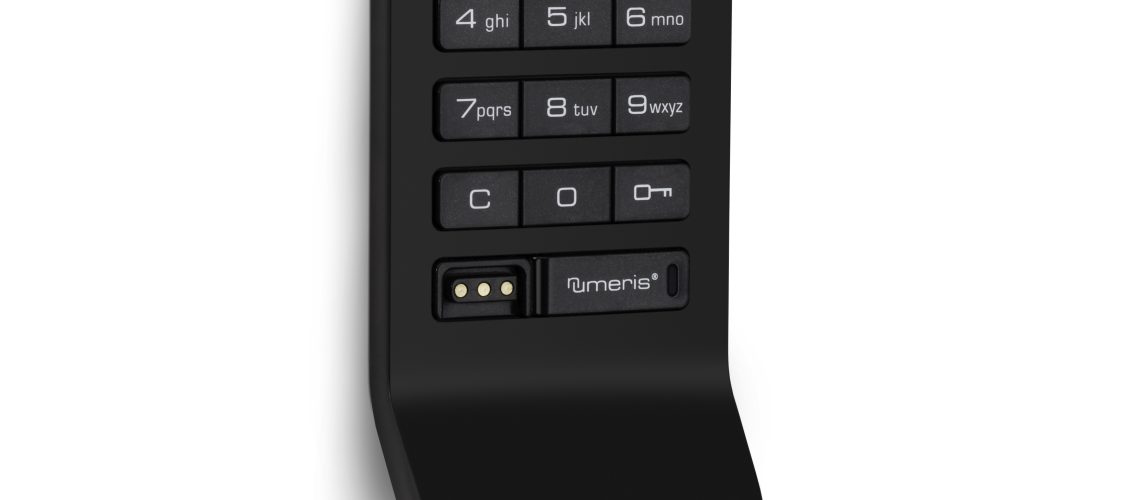
Lock for a Locker. Do you need a reliable lock for a locker but want to avoid using keys? You’re not alone. More schools, gyms, offices, and leisure centres are switching to keyless locker locks.
Why? Because they’re simple, secure, and eliminate the hassle of lost or stolen keys.
In this guide, we explore the best locks for a locker without a key—with options, comparisons, and use-case examples. Whether you’re buying for one locker or hundreds, we’ve got the right solution.
Why Go Keyless?
Locker keys often get lost, stolen, or forgotten. Replacements cost time and money.
Keyless locks offer:
- 🔐 Greater convenience
- 🔁 Easy reprogramming
- 📉 Lower admin costs
- 🧍 Better user experience
These benefits are essential in high-traffic facilities like schools and fitness clubs.
Types of Locker Locks Without Keys
Let’s explore the main types of keyless locks and their benefits.
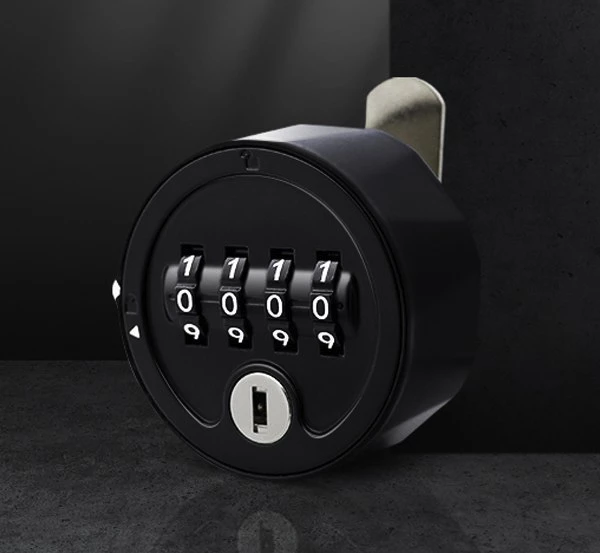
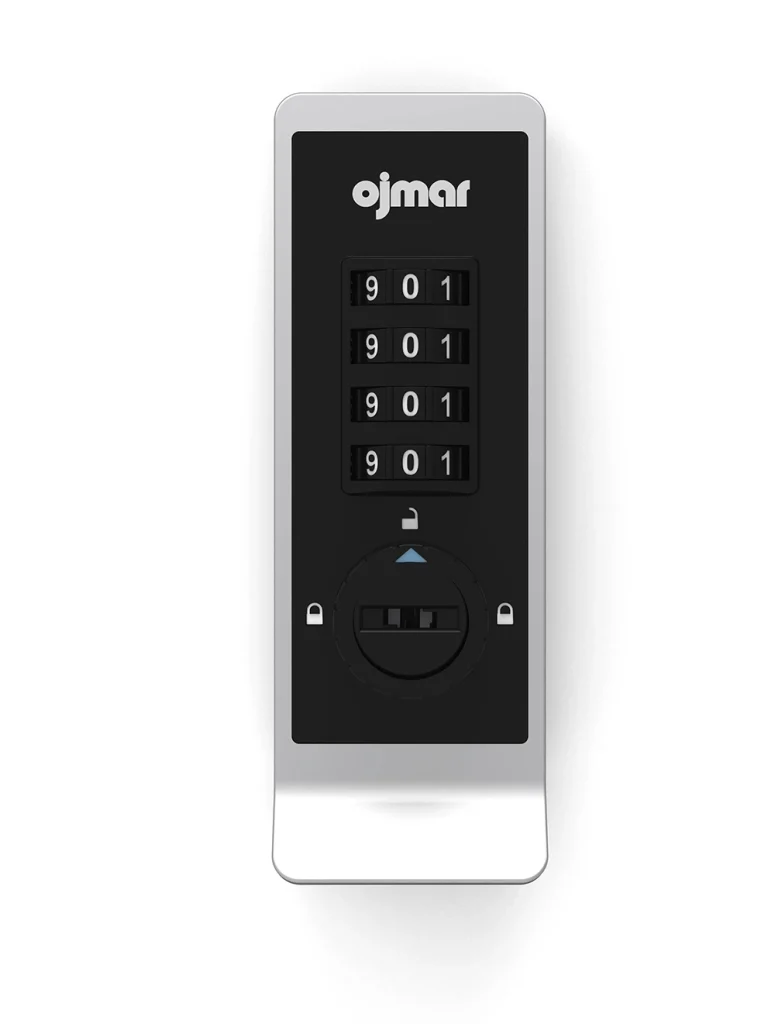
1. Mechanical Combination Locks
These classic dial or push-button locks don’t need batteries or keys.
✅ Benefits:
- Long lifespan (no electronics)
- Low maintenance
- Easy to use
🛠️ Best For:
- Schools
- Leisure centres
- Staff changing areas
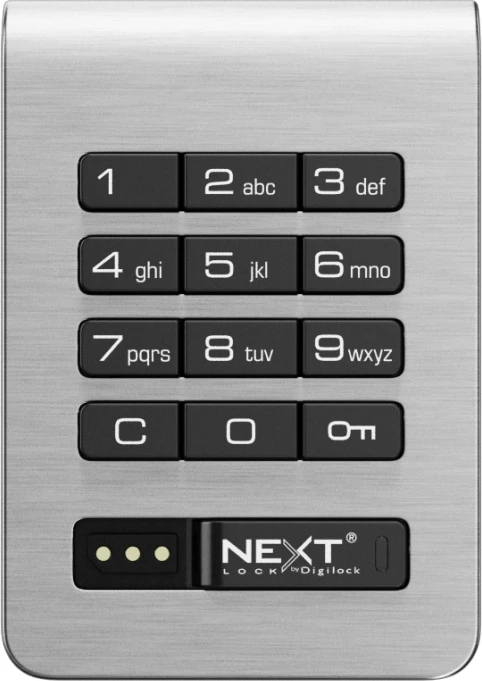
2. Digital Combination Locks
These offer a keypad and programmable code, ideal for shared-use environments.
✅ Benefits:
- Master override access
- Battery-powered or hardwired
- Single or multi-user modes
🛠️ Best For:
- Public gyms
- University lockers
- Office lockers
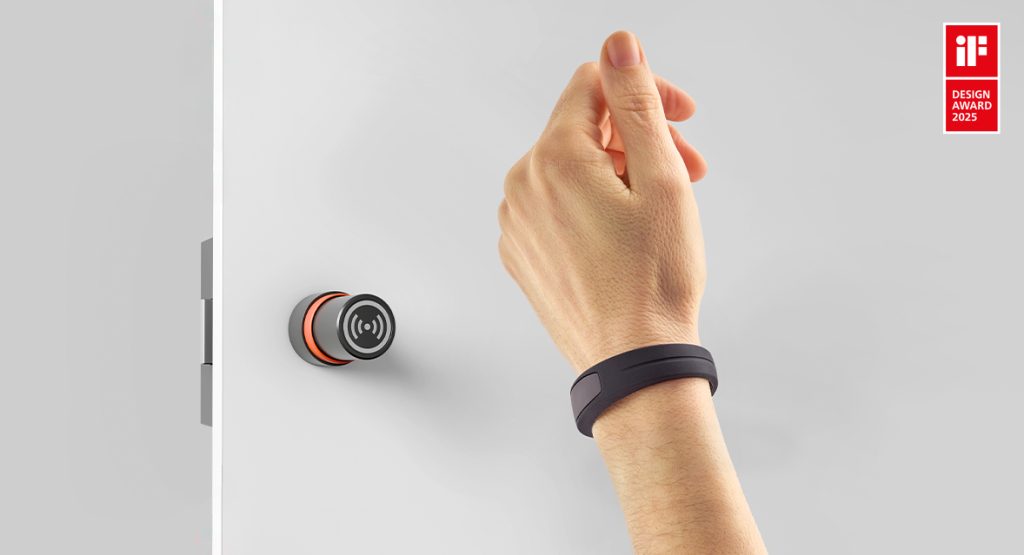
3. RFID Locks (Card or Fob Access)
RFID locks use cards, wristbands, or fobs for contactless access.
✅ Benefits:
- Seamless entry
- Trackable user access
- Supports staff ID systems
🛠️ Best For:
- Modern offices
- Co-working spaces
- Corporate gyms
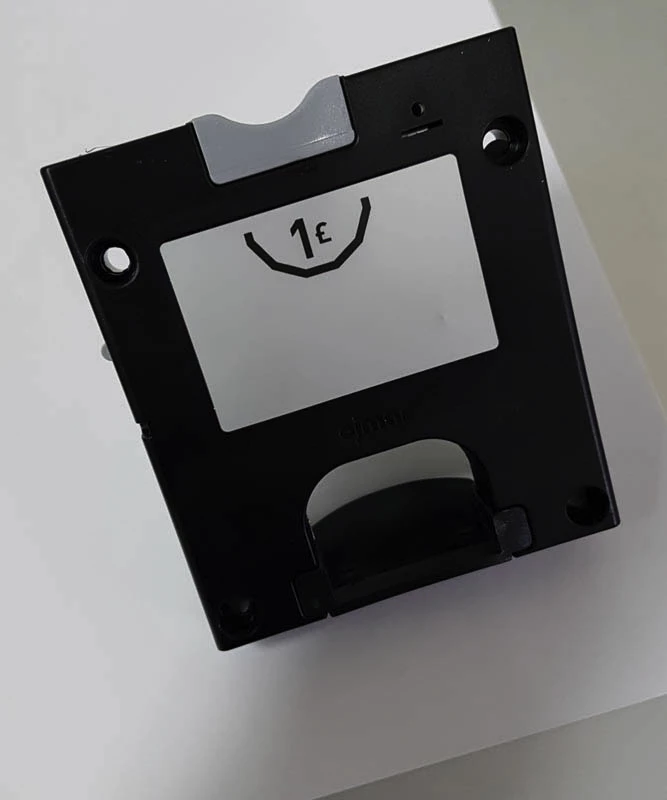
4. Coin Return or Retain Locks (Keyless in Use)
These don’t require a key but use a coin or token for temporary access.
✅ Benefits:
- Simple for public use
- No power needed
- Encourages key return (coin deposit)
🛠️ Best For:
- Swimming pools
- Train stations
- Theme parks
Key Features to Consider
When selecting the best lock for a locker without a key, consider:
🔐 Security Level
- Anti-tamper design
- Lock reset options
- Audit trail (for digital models)
🔋 Power Source (if any)
- Mechanical (no power)
- Battery (check lifespan)
- Wired (long-term installations)
🔁 User Mode
- Assigned use (fixed locker)
- Shared use (resettable after each use)
🔑 Override Access
- Supervisor/master key
- Emergency code or tool
Comparison Table
| Lock Type | Power Needed | Shared Use | Override | Best For |
|---|---|---|---|---|
| Mechanical Combination | ❌ | ✅ | ✅ | Schools, Gyms |
| Digital Keypad | ✅ Battery | ✅ | ✅ | Offices, Universities |
| RFID | ✅ Battery | ✅ | ✅ | Corporate, Co-working |
| Coin Return | ❌ | ✅ | ❌ | Public Leisure, Travel |
Real-World Use Cases
🎓 Schools
No keys to lose. Staff can reset combinations when students change.
🏋️♂️ Gyms & Leisure Centres
Digital or coin-return locks offer quick turnover and easy control.
🏢 Offices
RFID locks integrate with staff ID cards for streamlined access.
🚉 Public Spaces
Coin locks reduce supervision needs and keep user flow efficient.
Maintenance & Support
Keyless locks reduce admin time, but maintenance still matters.
Tips:
- Check battery life annually (digital + RFID)
- Clean keypads regularly
- Train staff on override use
How to Upgrade Existing Lockers
Most lockers can be upgraded from key locks to keyless options.
- Remove old cam lock
- Fit mechanical, digital or RFID model
- Test override tools
- Train users
We provide guides and fitting kits.
Internal Resources
FAQs
Can I retrofit a keyless lock to my existing locker?
Yes, most lockers support retrofit upgrades with minimal tools.
What if a user forgets the code?
Use the override key or master code to reset.
Are keyless locks secure?
Yes. Models include tamper protection, audit logs, and reset features.
Which lock is most popular?
Mechanical push-button locks are most common in UK schools.
Summary
The best lock for a locker without a key depends on your environment, users, and budget. Whether you’re managing lockers in a gym, school, or office, there’s a secure and user-friendly option for you.
Explore mechanical, digital, RFID, and coin locks — all designed to reduce hassle and improve control.
Call to Action
🔐 Ready to upgrade your lockers? Contact our team or browse keyless lock options.

Hashtags:
#KeylessLockers #LockerSecurity #DigitalLocks #CombinationLocks #TotalLockerService #Facilities
Discover more from Blog Total Locker Service
Subscribe to get the latest posts sent to your email.